High upfront costs
Additional control cabling, components and installation work can stretch the project budget.



Connect your lighting. Simplify your project.
Connect compatible luminaires, sensors and switches with Bluetooth Mesh. A flexible approach for lighting retrofits, tenant fit-outs and new commercial spaces, with app-based setup and adjustment.
Why are controls still left out of lighting projects? Upfront costs, repeated service visits, rigid wiring and complex commissioning can make a straightforward upgrade feel difficult.
Additional control cabling, components and installation work can stretch the project budget.
When every lighting adjustment needs a specialist on site, small changes can become expensive.
Control zones tied to fixed wiring can make changes in tenants, room layouts and use harder to manage.
Complex setup workflows can delay handover and make consistent settings harder to achieve.
The case for control is changing too: more practical wireless upgrades, less avoidable energy use and evolving building-efficiency requirements.

Wireless control can reduce additional control-cabling work. Presence sensing, daylight response and schedules help reduce avoidable lighting use, making control a practical part of the upgrade plan.

The EU’s EPBD and England’s Part L put energy performance and lighting controls into the project brief. Check the requirements and timetable that apply to the building.
Policy background: EU Energy Performance of Buildings DirectiveApproved Document L — England
Six practical advantages, from keeping suitable existing luminaires to commissioning efficiently and adapting the building over time.
Add matching Bluetooth receivers or control modules to compatible luminaires, keeping suitable existing fittings.
Everyday lighting works without a central gateway or continuous internet connection. Add a gateway for remote services.
Built on Bluetooth SIG Mesh
Combine Koolmesh-enabled products and compatible Koolmesh-ready partner devices, including presence and daylight sensors.
A Bluetooth label alone does not establish compatibility.
Copy device settings or apply saved profiles in batches, then fine-tune groups, scenes and sensing behaviour.
Encrypt and authenticate mesh messages, with separate keys and controlled user access.
Plan coverage, node placement and network size for the project.
Reassign supported groups and scenes as layouts, tenants or operating hours change, reducing changes to control cabling.
Retrofit · CAT A fit-out · New commercial build
Offline commissioning Sign in and create the network online before commissioning offline. Keep the app signed in until the project can synchronise again.
Compatible lights, sensors and switches exchange control messages through a mesh network. Groups can operate locally, while a mobile app is used to commission and adjust supported devices.
A central gateway is not required for local mesh lighting control. Use the app nearby to commission and adjust supported devices.


 GatewayRemote access
 Wireless control communication. Luminaires and powered devices still need their normal electrical supply.
Add Bluetooth control to compatible existing luminaires with a suitable receiver or control module. Match the device to the luminaire’s on/off, DALI or 0/1–10V interface and installation requirements.
Use a suitable Bluetooth switching receiver for on/off control.
Explore on/off productsUse a Bluetooth-to-DALI converter to control compatible existing DALI drivers.
Explore DALI productsUse a matching Bluetooth dimming controller for existing 0/1–10V drivers.
Explore 0/1–10V productsEach interface needs a matching model. Confirm the driver, load, mounting space and wiring arrangement before selection. Luminaires and powered devices still need their normal electrical supply.
Get help choosing devicesDifferent buildings. Different priorities. Explore how Hytronik and Koolmesh have been used in real lighting projects.

80% energy savings
Wireless lighting control across a 4,000 m² warehouse, with a sensor for each luminaire.
View project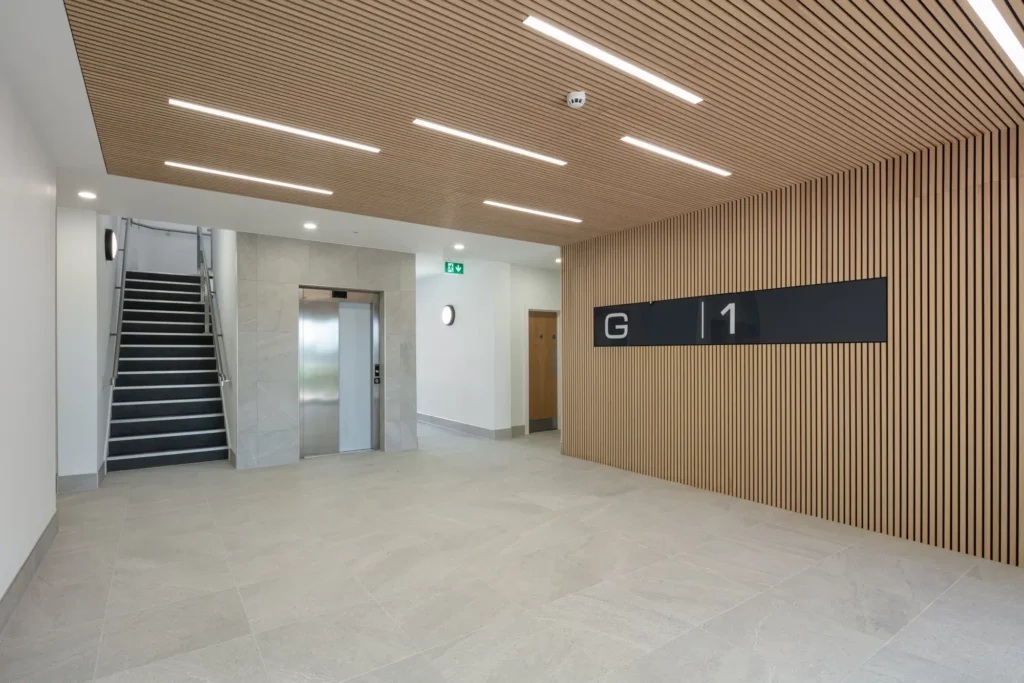
Ready for changing tenants
A flexible Cat A fit-out with independently controlled areas and lighting that can adapt to future layouts.
View project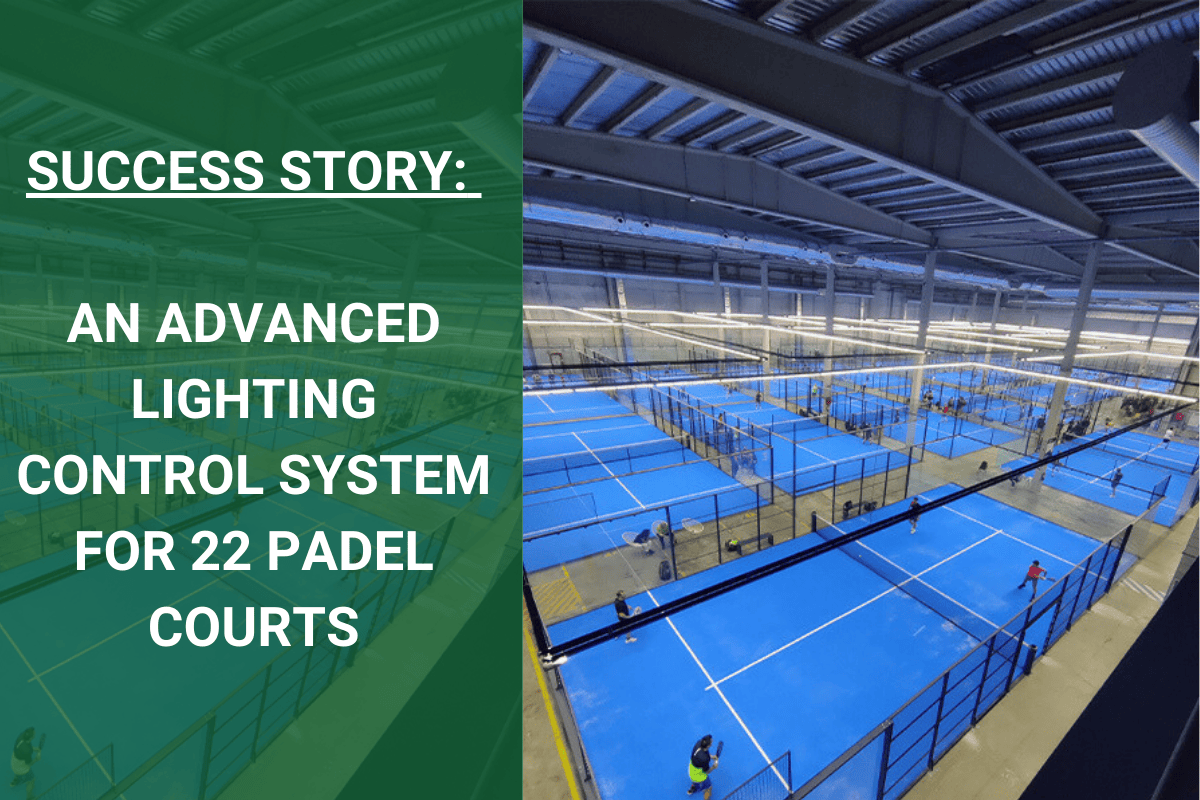
Control across 22 courts
Connected court lighting with adjustable light levels, scenes and schedules through Koolmesh.
View projectExplore another application: 336 luminaires in a Swedish factory
View all project references“We deployed Hytronik Bluetooth across an entire school building and were able to finish commissioning in less than half the expected time. Maintenance is now remote, and we saved tens of thousands in installation.”
Results shown relate to the individual projects. Energy savings depend on the installation, operating pattern and control strategy.
Hear our specialists discuss wireless control in larger projects. For your own building, bring us the layout and control requirements so we can help define the device and commissioning approach.
Is there still resistance to wireless control in larger projects? Watch our team’s discussion.
Open the video on YouTubeNeed remote access, building integration or reporting? Add these optional capabilities through the appropriate gateways and services as the project grows.

Use an appropriate gateway and cloud services to access supported settings and system information remotely across areas or sites.
Exchange supported lighting functions and data with building systems through the appropriate gateway or interface.
Bring emergency-test results, faults and energy information into the management workflow with supported devices and metering interfaces.
Optional capabilities depend on the selected devices, gateway, interfaces and services.
Explore Koolmesh LightingExplore a selection of sensors, receivers, switches and gateways from the Hytronik Bluetooth range.
Bluetooth DALI PIR sensor
View productDALI / Bluetooth converter
View product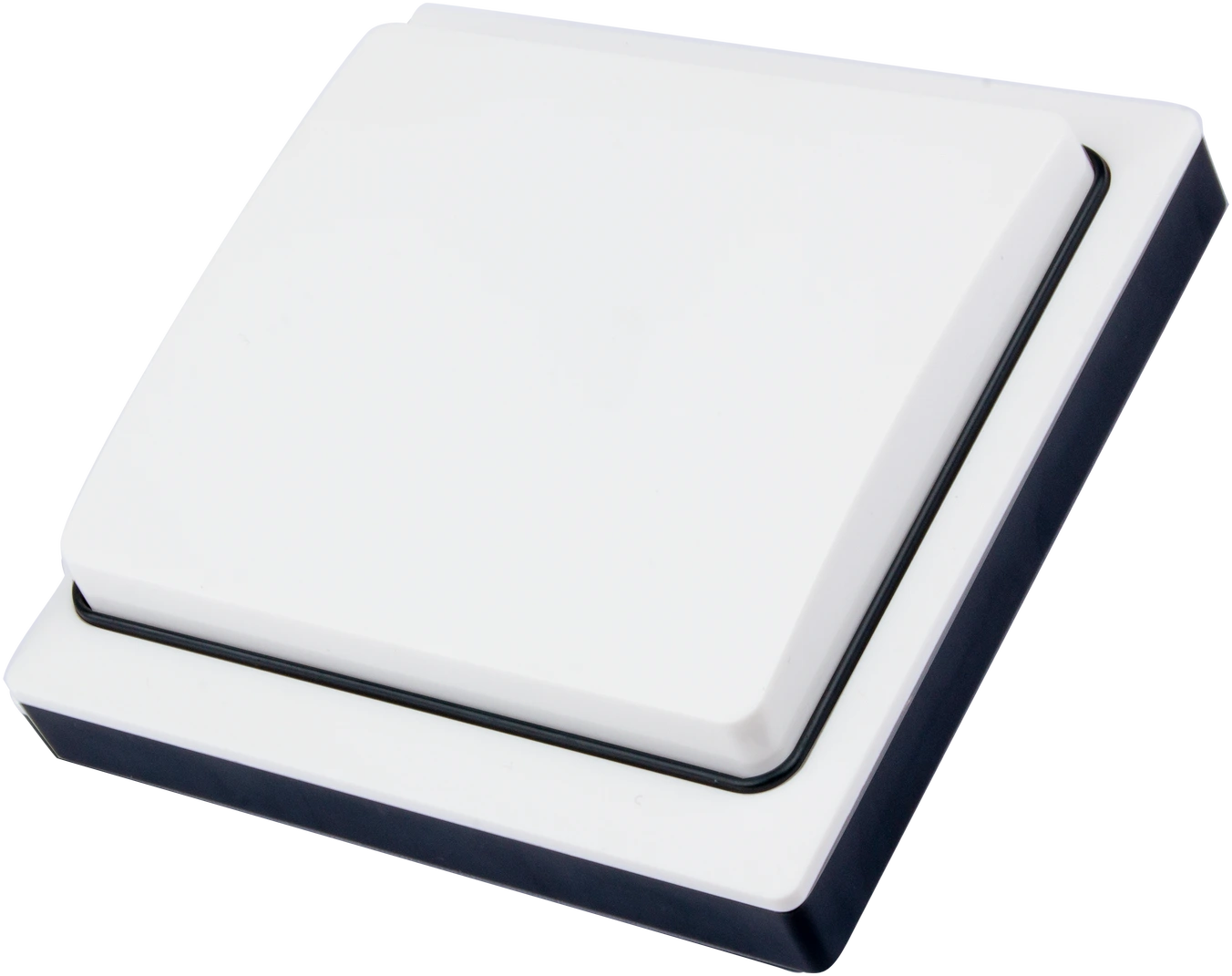
Single-rocker kinetic switch
View product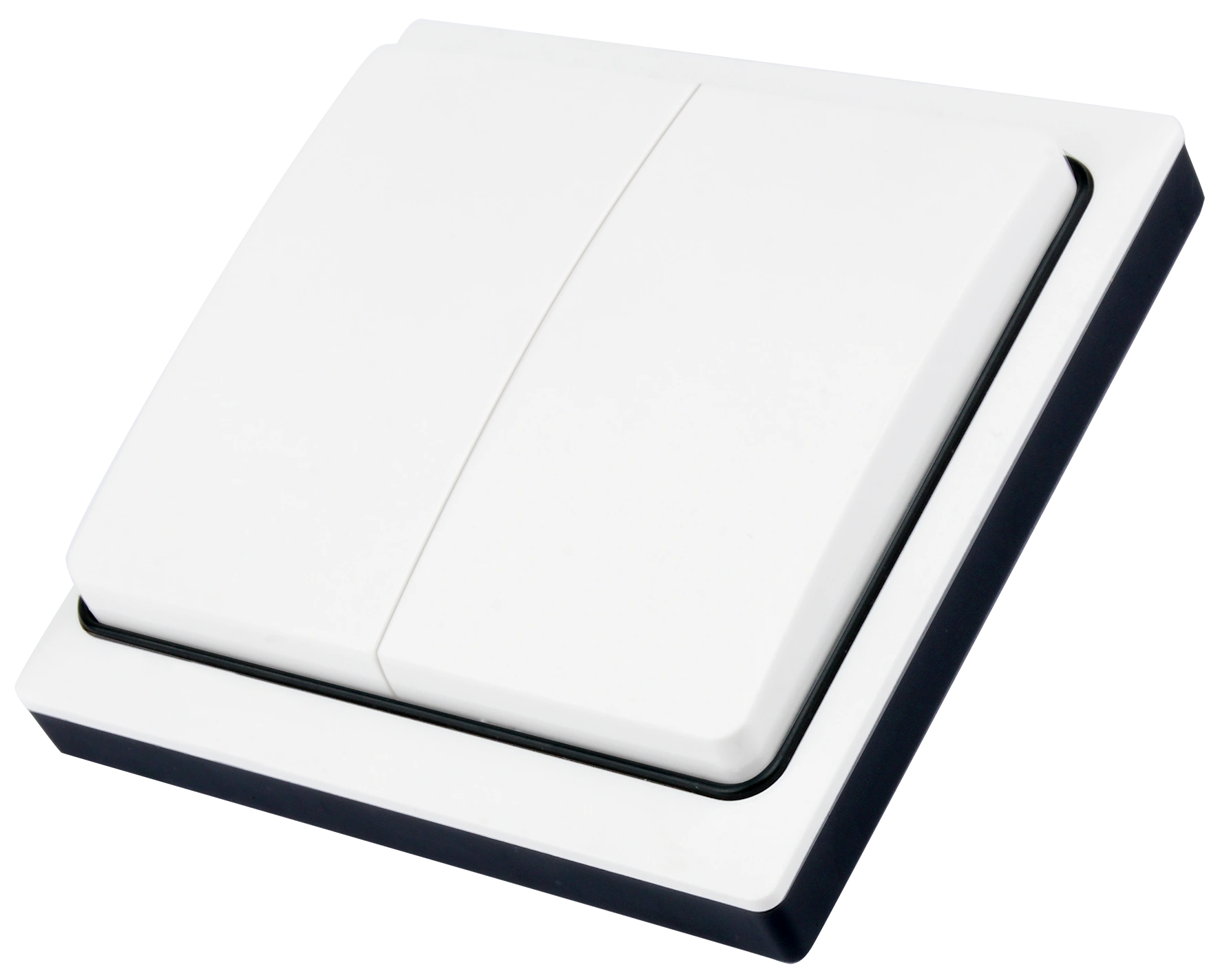
Double-rocker kinetic switch
View productOptional mesh gateway
View product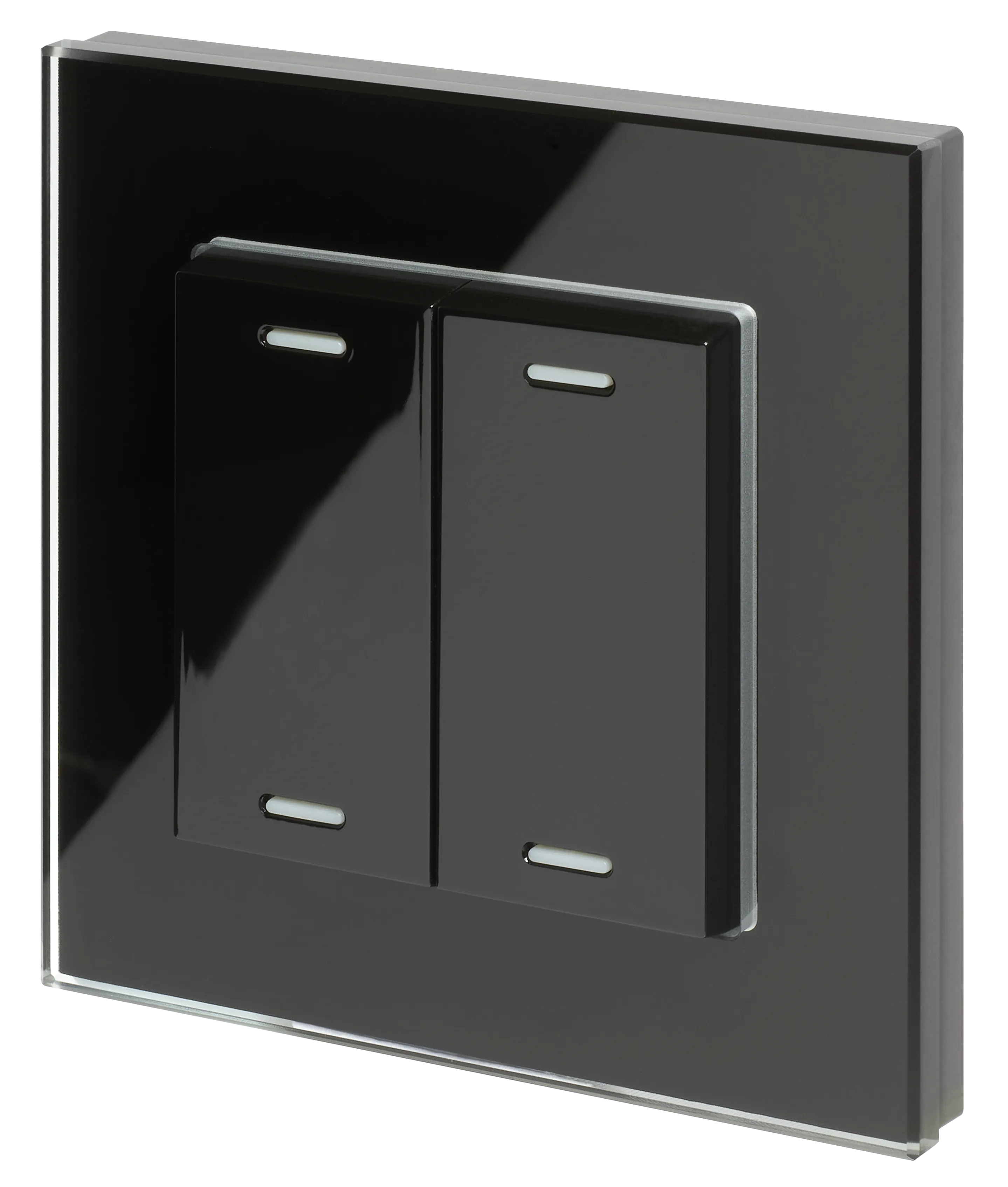
Self-powered BLE switch
View product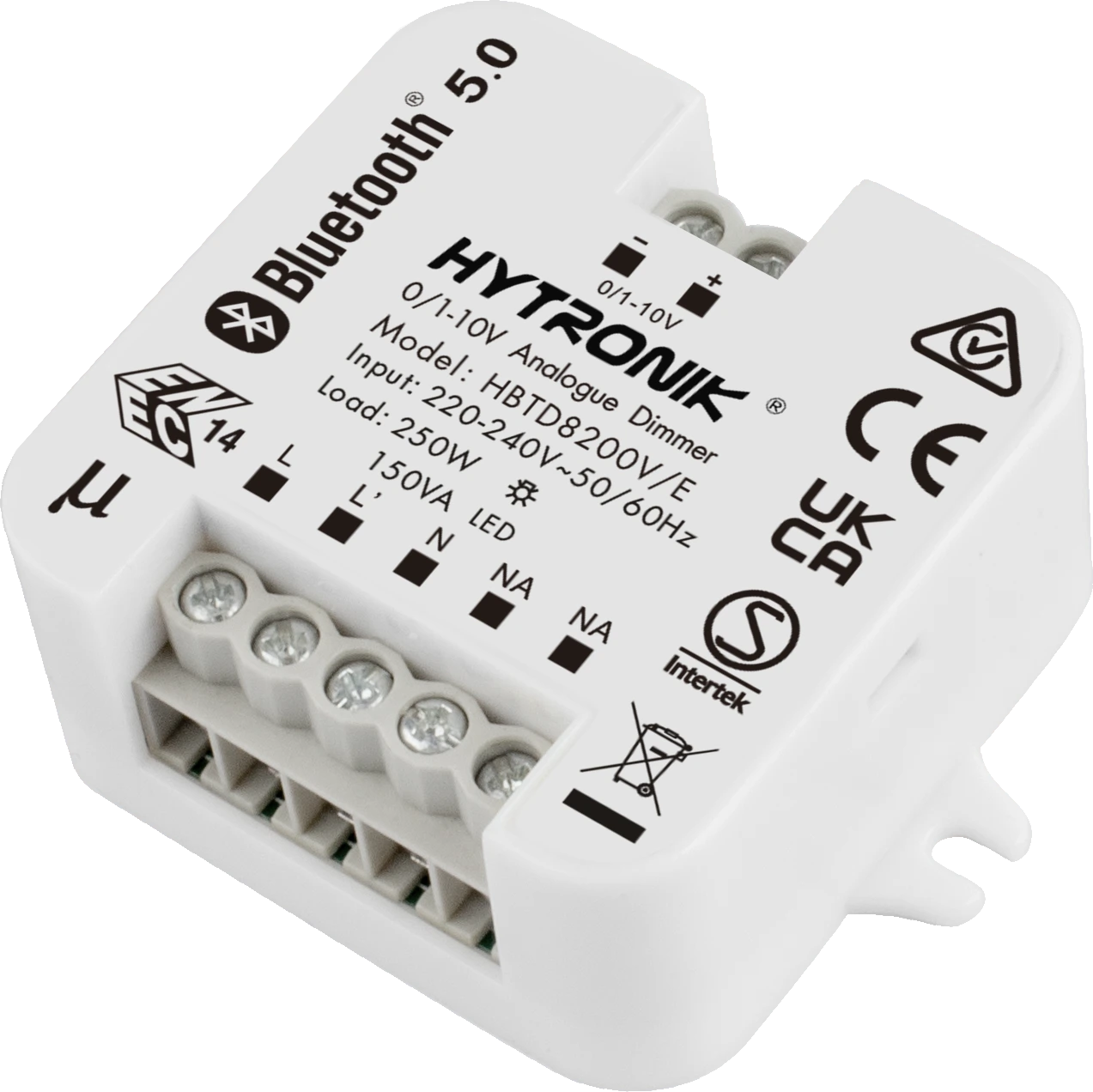
0/1–10V Bluetooth receiver
View product
Dual-channel Bluetooth PIR sensor
View productFive practical questions to help you define the right approach.
A central gateway and continuous internet connection are not required for local Bluetooth Mesh lighting control. Remote access and cloud services need the appropriate gateway, connection and supported services.
Suitable luminaires may be upgraded with a compatible Bluetooth sensor, receiver or controller. Check the driver interface, electrical load and installation space before selecting a device.
Control messages travel wirelessly between compatible devices. Luminaires and powered devices still need their electrical supply; local connections to drivers or loads may also be needed.
No. This solution uses Koolmesh-enabled devices, including Hytronik products and compatible Koolmesh-ready products from partner manufacturers. Koolmesh is built on Bluetooth SIG Mesh and uses its own system protocol. Other Bluetooth or Bluetooth Mesh products cannot be assumed to join or work with the Koolmesh network.
Start with the lighting layout, building construction and required control behaviour. Coverage, device placement and commissioning need to suit the actual project. Share the plans with our project planning team to define a suitable approach.
Share a lighting layout, the existing driver or control interfaces, and the functions you need. We can help with the control strategy, device selection and commissioning approach.
Get project planning supportExplore wireless commissioning tutorials and practical training for your next installation.
Visit the Wireless AcademyContact [email protected]